 Libreture
The Collections feature has been in the works for a while. On its own, Collections would have been a bit useless, and frustrating. It needed the Batch Editing feature to really make it work.
With the foundations of Batch Editing now in place, we’ve launched Collections!
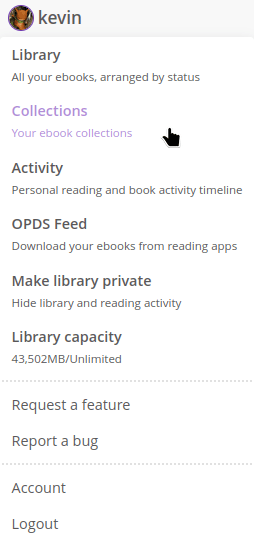
How to use Collections
-
Visit your library to create new collections (here are mine!)
-
Give your new collection a name and choose if you want to make it private
-
Select books from your library or search results pages using the selection boxes and the dropdown to add them to any of your collections
-
Add individual books to existing collections from the book’s page
-
Remove books from collections either individually on the book’s page or as a batch from the collection’s page
-
Combine how you use Collections to create a system that works for you!
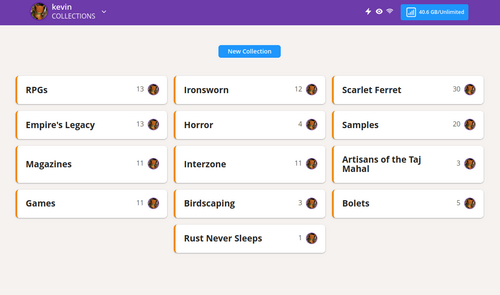
Add your books to multiple Collections
Add all your PDFs for a particular RPG, like Ironsworn, to a Collection called Ironsworn and another Collection called RPGs. All your Ironsworn game books will now be accessible from both your general RPGs Collection and a more specific Ironsworn Collection.
Collections work great for book series. Add all the books in a series to a Collection named after the series. You could even include them in another Collection called ‘Series’, giving you a few different ways to organise them.
Let me know
Please let me know about your experience using the new Collections feature.
Request a feature, report a bug, or just get in touch.